Join The Club






This month I've been: Testing an extremely heavy keyboard while benchmarking many, many graphics cards. Also, a spot of overclocking. Nothing caught fire. Victory!
When I first learned of the Keychron K2 HE Concrete Edition, I was both intrigued and confused. On the one hand, I was aware of the existence of the standard keeb and that we'd given it a massive 88% in our review. The addition of a concrete shell for extra heft? Sounds interesting.
With a description like that, I knew I had to try one for myself. So, I duly requested a review sample, and boy howdy is it heavy. Its 1.74 kg weight was compounded by the fact that my test model was sent to the office, which meant I had to stick it in my backpack to take home. On the train. With a long walk home from the station at the other end.
Article continues belowI am not a clever man. Anyway, I've spent the past month using the Keychron concrete keeb, and I imagine you're expecting me to say that it's a silly idea. A pure marketing gimmick. Something you definitely shouldn't consider dropping $200 on.
But in all honesty, I think it's one of the best keyboards I've ever used. And yes, the concrete shell is definitely a factor.
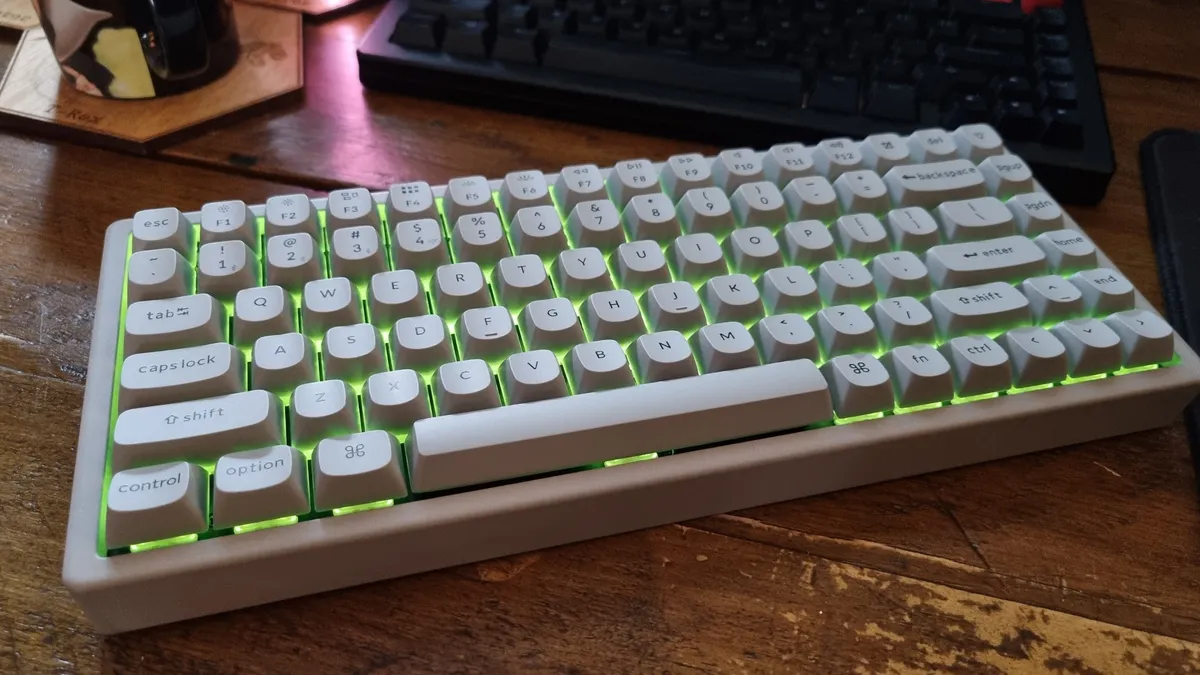
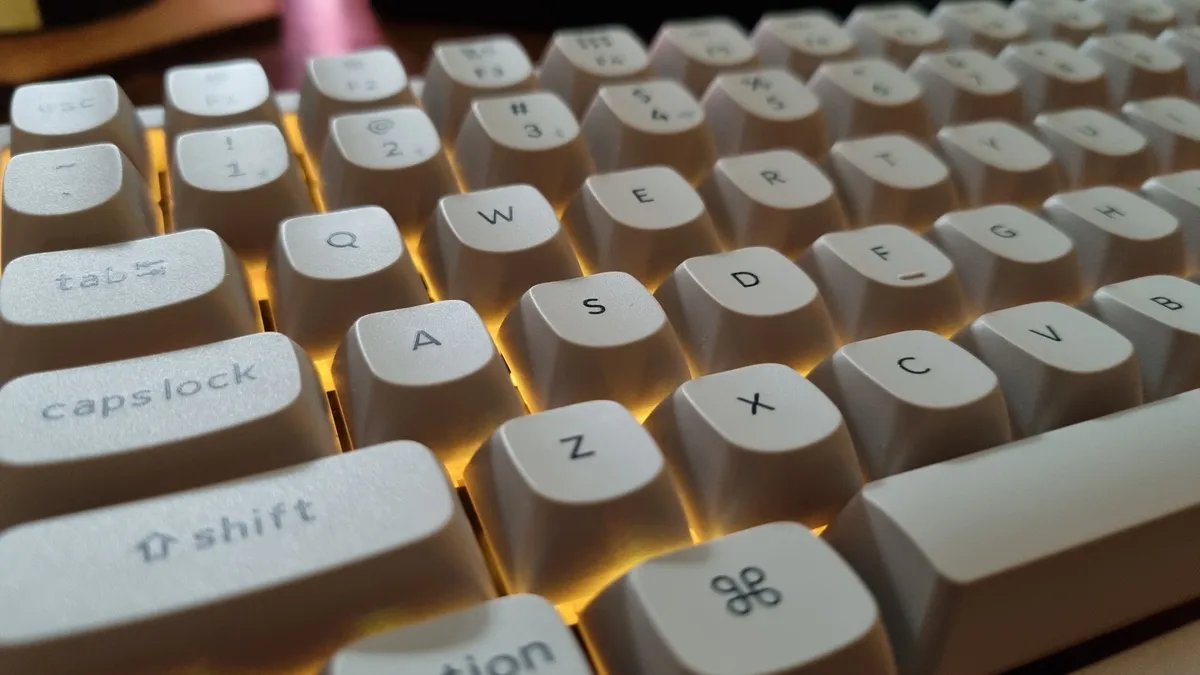
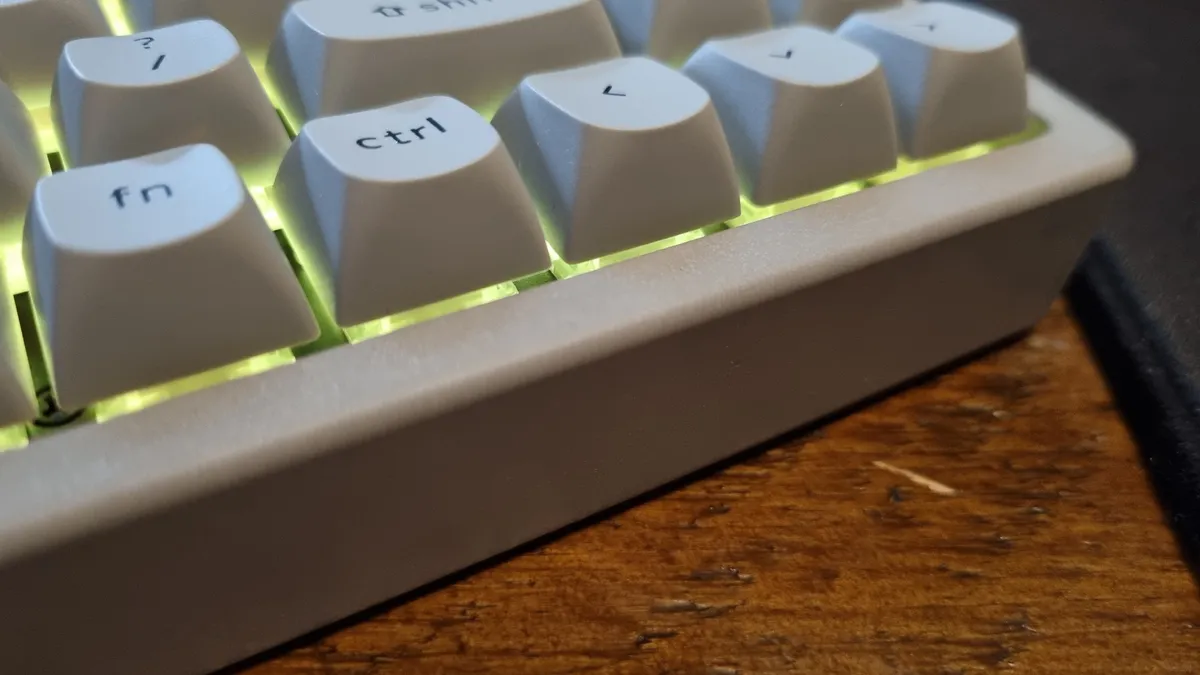
We want our gaming mice to be light. A concrete gaming mouse would be a silly device, even for someone like me who doesn't mind a touch of extra heft in a squeaker. But when it comes to gaming keyboards, I think a dose of extra weight is actually a plus. Keychron is known for making remarkably well-built keebs, and the K2 HE Concrete Edition feels like the ultimate example of that.
The concrete outer shell is perfectly formed, with nary a moulding mark in sight. The OSA double-shot keycaps feel rounded yet crisp, heavy in their own right, and extremely satisfying under my fingertips. The side-mounted switches for the connection options (USB Type-C, Bluetooth and 2.4 GHz wireless, if you were wondering) are super positive.
It's about as heavy-duty as keyboards come, but it doesn't feel clumsy or overbuilt. Instead, it feels purposeful. Like a piece of industrial equipment that's had just enough of the rough edges rounded off to make for a compelling design.
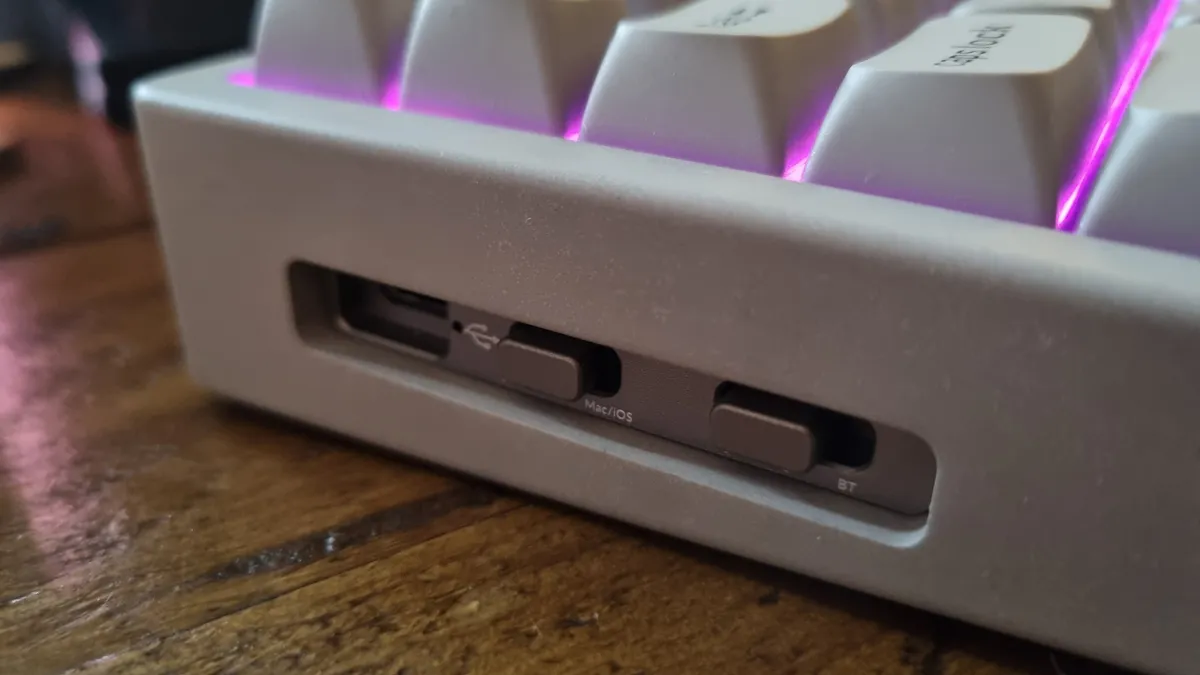
The weight also means that it really, really wants to stay anchored to my desk, even under panicked gaming conditions. My usual keyboard, a custom Glorious GMMK 3 with a brass plate in the bottom, is pretty good at staying where it is during a fast-paced FPS session. But the Keychron? I'm pretty sure it's pinning my entire setup down at this point.
Does it sound much different to a regular keeb? No, not really. But the switch feel is so good, and the keyboard so stable, I don't really mind. The included Gateron Double-Rail magnetic switches come pre-lubed and have an actuation range of 0.2-3.8 mm, with a starting force of 40 g.
I'm aware those numbers mean little on paper, but trust me, you want a set of these. The resistance is perfect, with a delicious weight that ups my typing accuracy considerably—and they're still ultra-quick for gaming, too. This keyboard and switch combo also supports dynamic rapid trigger, last key priority, and adjustable actuation points, all of which can be tweaked to your heart's content.
...if you're a fan of the shade, I'd say you should definitely consider a K2 HE Concrete Edition for yourself
In practice, I care little for such things. I care about how it feels underneath my fingers, and these switches, in combination with the excellent keycaps and overall weight, make for a keyboard that I'm convinced is nothing short of magnificent.
There is one thing holding me back from switching it in as my permanent daily driver, though, and you're probably going to think it's silly. But I really don't like the colour.
Concrete is not the most aesthetic of materials when it comes to colour tone, and while Keychron has gone to the effort of making the PBT keycaps match the frame, the whole thing ends up being a shade of grey I don't particularly enjoy.
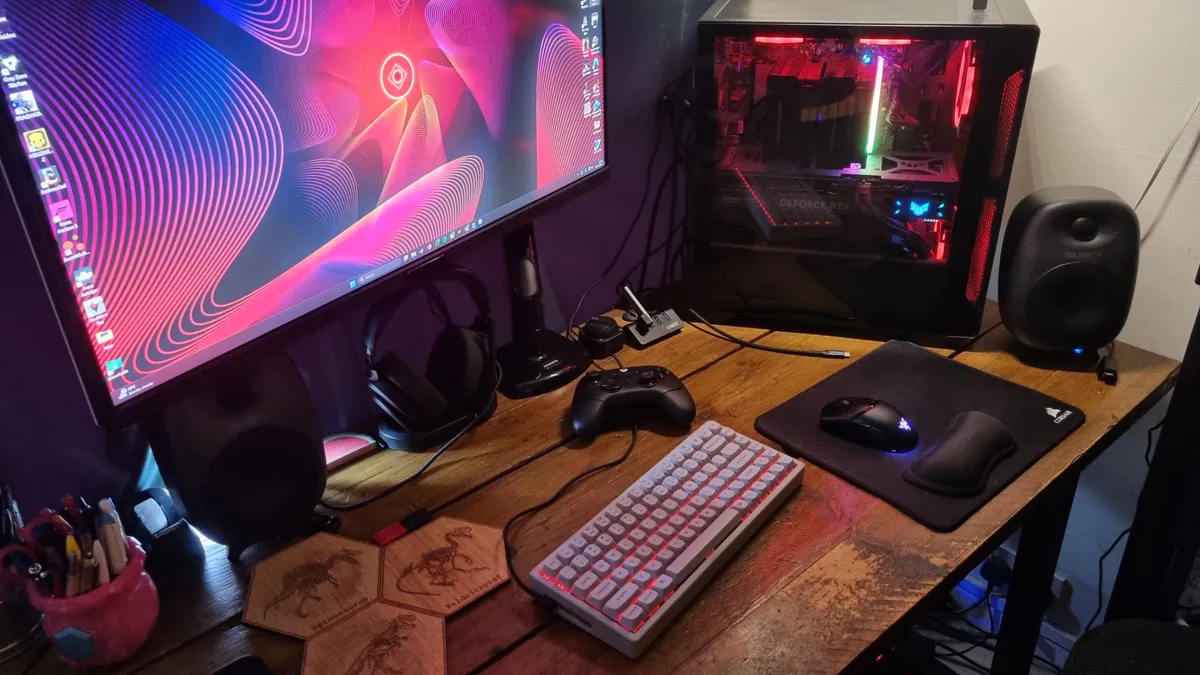
Plus, my setup is all black and red, and the K2 HE looks... well, out of place when it's all put together. It's also got some pretty tame RGB lighting, and simply isn't a match for my other models in the looks department. Ashamed as I am to admit it, I'm enough of a neurotic human being for that to bother me. Or really shallow, you pick.
Sitting here now, staring at the keeb in front of me, I might be able to get past it. Time will tell, I suppose.
But if you're a fan of the shade, I'd say you should definitely consider a K2 HE Concrete Edition for yourself. Even the $200 price tag is pretty bearable, given the quality of what you end up receiving and the fact that some other high-end gaming keyboards can be priced into the stratosphere.
Can those models be used as boat anchors in a pinch? I think not. Now, if Keychron would spray one down in black paint (and boost the RGB), I think I'd be truly happy. Yes, I'm picky when it comes to gaming hardware. In this job, are you really that surprised?
1. Best overall:
Wooting 80HE
2. Best budget:
Gamakay x Naughshark NS68
3. Best 60%:
Wooting 60HE v2
4. Best 75%:
Keychron K2 HE
5. Best mechanical:
Asus ROG Strix Scope II 96 Wireless
6. Best silent:
Be Quiet! Light Mount
7. Best ergonomic:
Kinesis Freestyle Edge RGB
8. Best membrane:
Glorious GMBK 75%